Field service scheduling software
Schedule technicians faster. Keep jobs covered. Adjust in real time.
When your team works in the field, schedules change fast. Missed updates, last-minute callouts, and manual scheduling slow everything down.
When I Work is the field service scheduling software built for mobile teams. Assign jobs, update schedules instantly, and keep technicians aligned across locations, shifts, and service calls.
Trusted by teams scheduling thousands of field service shifts every day.
Start scheduling field teams for free.
Payroll-ready timesheets for field service teams
Accurate hours flow from your field service schedule straight into payroll, reducing corrections and end-of-week admin.
Labor cost control for service technicians
Built-in pay rules and overtime alerts help you manage labor costs across field service schedules before they escalate.
Mobile time clock for field technicians
Turn any approved device into a mobile time clock so field technicians can clock in and out wherever the job takes place.
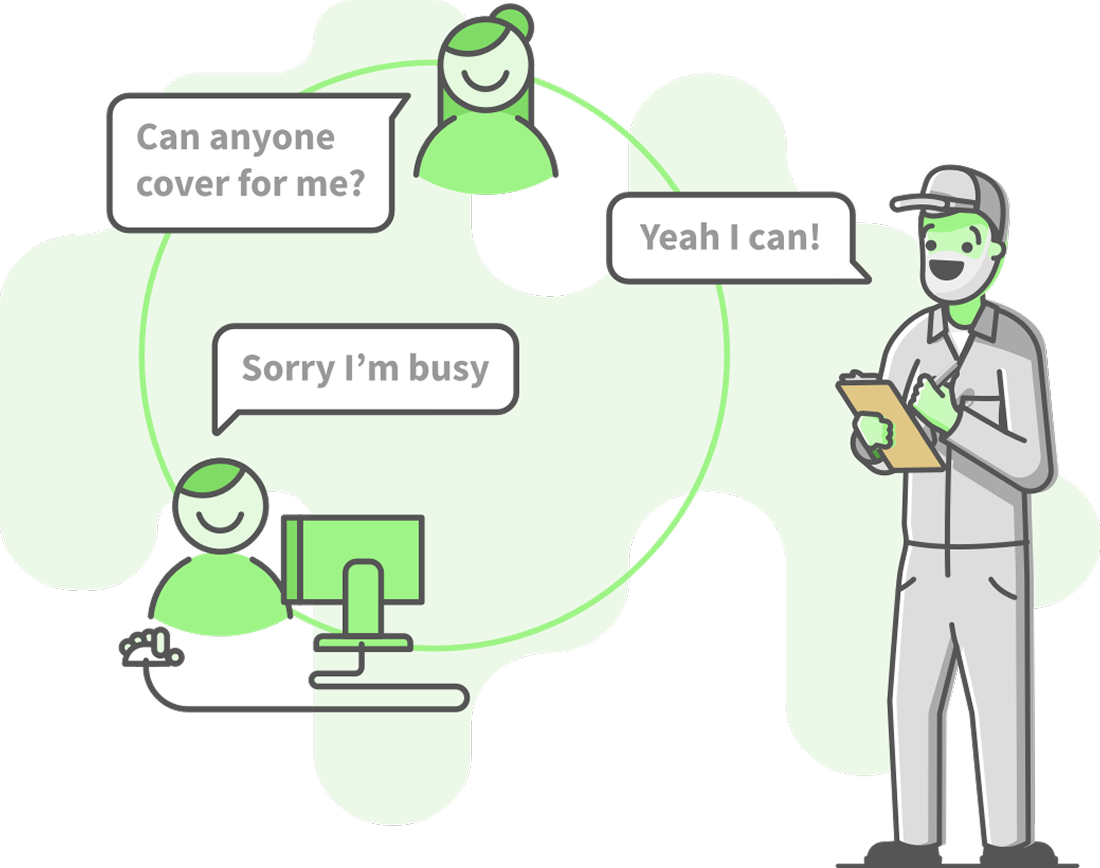
Schedule field technicians without constant back and forth
Schedule field technicians the easy way
When I Work simplifies field service scheduling by helping you assign the right technicians to the right jobs, fast. Schedule on-site work, maintenance visits, and service calls based on skills, availability, and location, all in one place.
Coverage stays clear, technicians know exactly where they’re going, and last-minute changes don’t derail the day
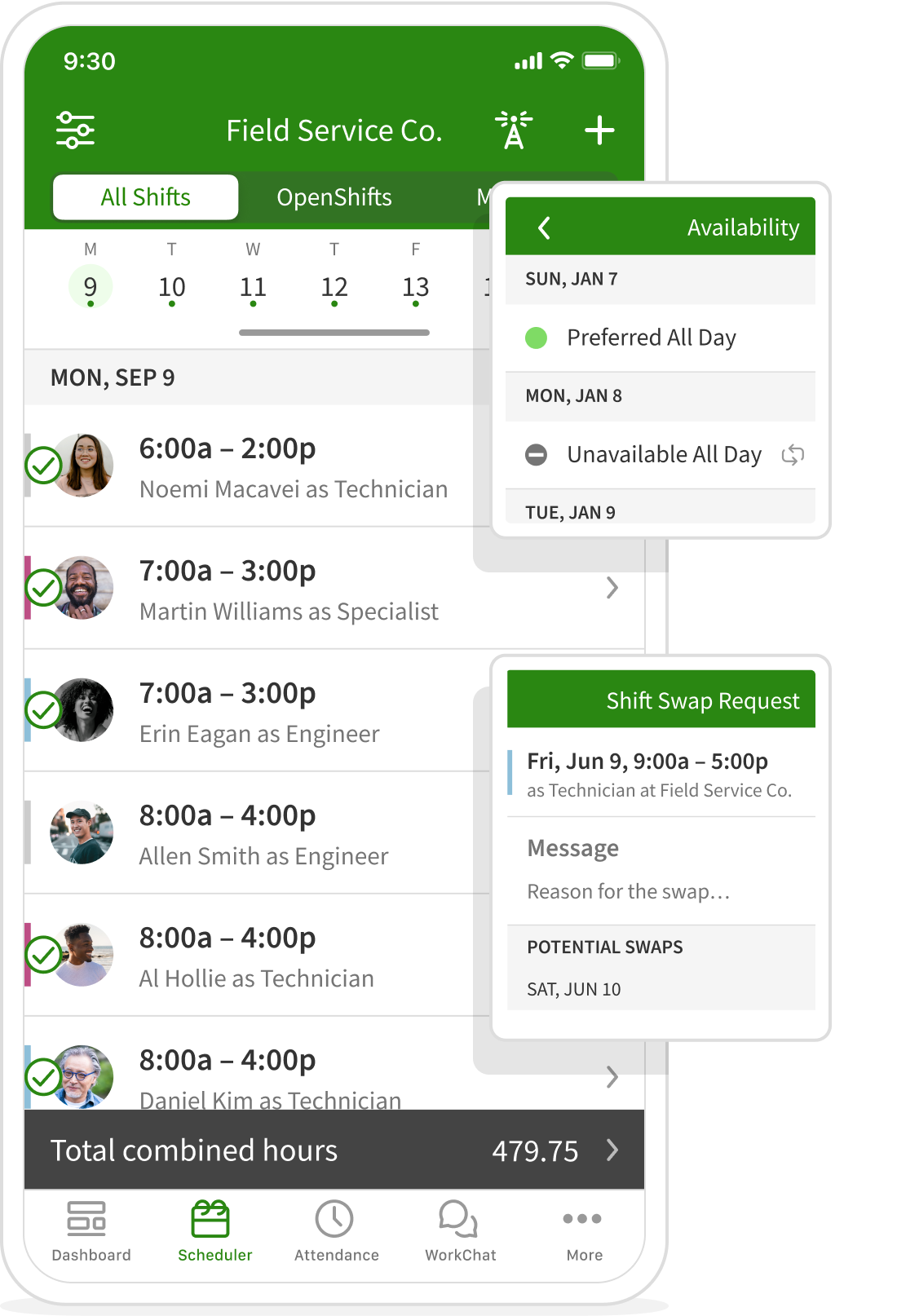
Field service communications
Built-in communication for field service teams
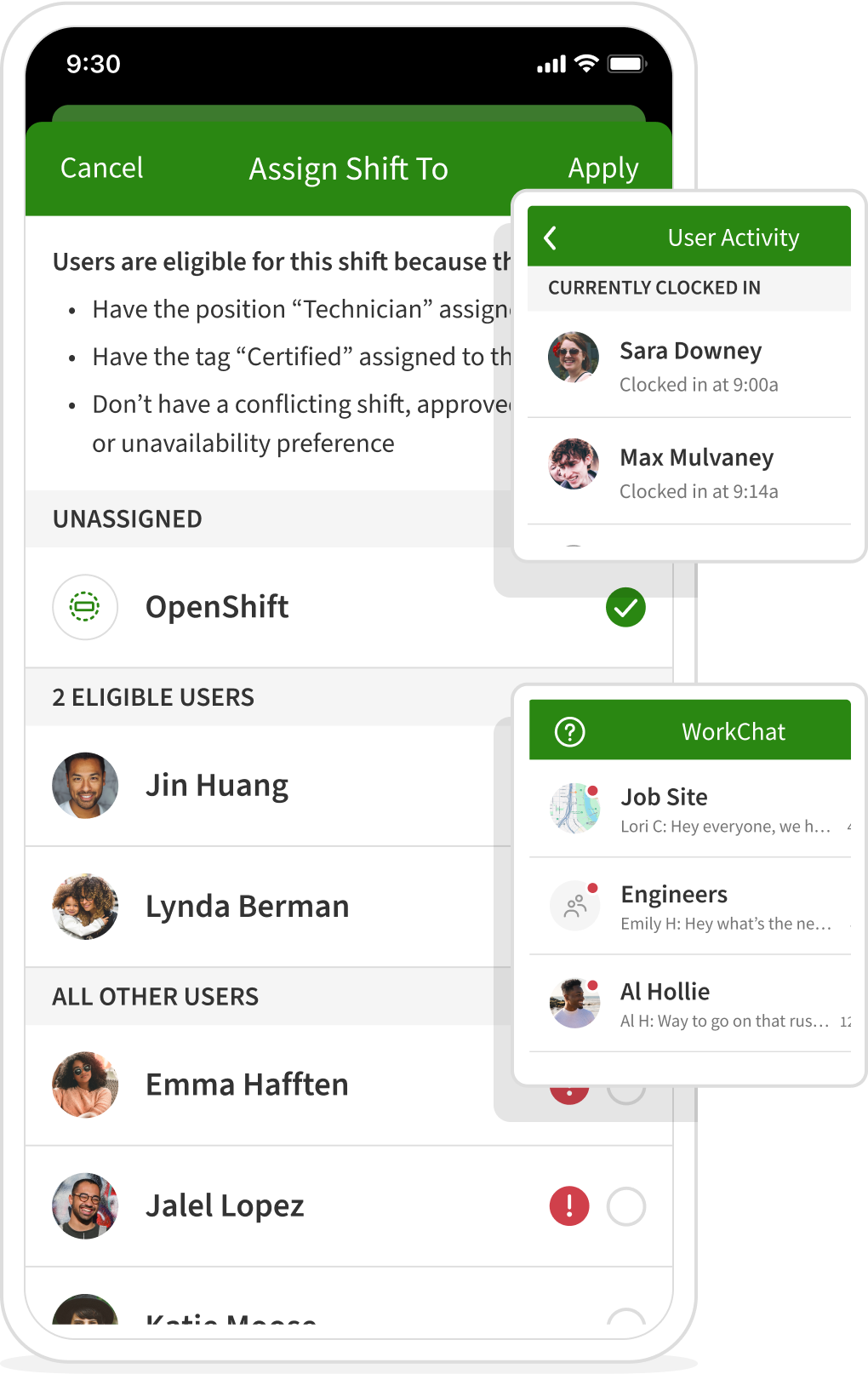
When teams are spread across job sites, vans, and customer locations, missed messages cause delays. When I Work includes built-in communication designed for field service scheduling, so updates stay tied to the schedule and reach the right people at the right time.
Supervisors can share job details, equipment requirements, access notes, and schedule changes in one place. Technicians arrive prepared, dispatch spends less time chasing updates, and clients get more consistent service across every visit.

Scott Parssinen
Braemar Golf Course
Customer since 2016
Control labor costs in real time
See issues before they hit your margins
Labor is one of the highest costs in field service operations. When schedules don’t reflect availability, skills, or location, overtime and inefficiencies creep in fast.
With field service scheduling software, you can match coverage to real workload, spot overtime risk early, and make adjustments before costs escalate. Alerts, thresholds, and visibility into scheduled vs. worked hours help keep labor spend under control across technicians and locations.
20%
Reduction in labor costs through better scheduling visibility
8x
Faster scheduling, freeing managers from manual admin
3x
Fewer no-shows, keeping jobs staffed and on schedule
Field services job sites
Keep field service scheduling tied to real locations
Field service scheduling software works best when schedules reflect where work actually happens. Job sites let you assign technicians to specific customer locations, service areas, or territories, so everyone knows exactly where they’re scheduled to be.
Managers can view coverage by location directly in the schedule, helping reduce missed jobs, double-booking, and travel inefficiencies across the day.
Built for teams managing multiple locations with field scheduling software.

Technician availability and preferences
Simplify technician scheduling from the start
With technician scheduling software, availability should never live in text messages or side notes. Field technicians can set their availability, preferred shifts, and role constraints directly in the schedule, so managers always plan with accurate information.
That means fewer conflicts, better shift coverage, and schedules that match technician skills to the right field service jobs.
Built to scale as your field service operation grows
From one crew to multiple territories
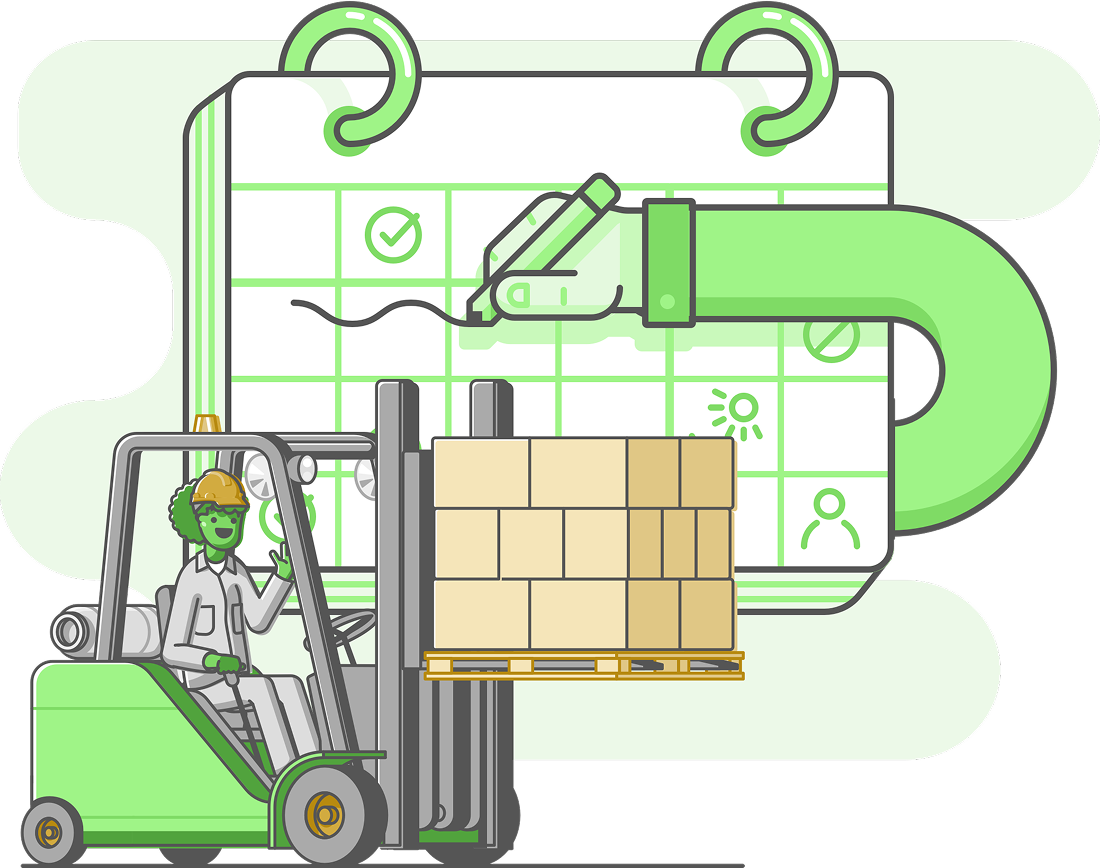
Field service teams don’t scale in straight lines. You add technicians, expand service areas, and take on new types of work, often all at once.
The When I Work app supports that growth without forcing you to change systems. Start with a single crew, then scale scheduling across locations, service regions, and roles while keeping visibility, control, and consistency.
Support your team with:
- Real-time dispatching – Use a flexible field service scheduler to instantly assign the right crew to the right location.
- Territory management – Powerful field scheduling software that keeps multiple regions organized in one view.
- Skill-based matching – Intuitive technician scheduling software that ensures every job is covered by the right specialist.
As your operation grows, schedules stay organized, technicians remain informed, and managers stay in control.
Timesheets that integrate directly with payroll
Payroll-ready timesheets for field service teams
When scheduling for field service technicians and time tracking live in separate systems, payroll errors pile up quickly. When I Work brings field service scheduling software and time tracking together, so technician hours flow cleanly from the field to payroll.
Timesheets are captured by shift, technician, and location, making it easier to process payroll accurately, reduce manual corrections, and pay field teams on time. Fewer fixes. Faster payroll. Less admin at the end of every pay period.







Loved by millions around the globe
1 in 10 employees have used When I Work.
 by our customers on Capterra.



Free time clock and scheduling apps
A powerful duo for field service teams
Field service schedules change fast. Jobs run long, callouts happen, and travel time varies. When time tracking and scheduling live in separate tools, small gaps turn into payroll errors and labor overruns.
When I Work combines field service scheduling software and a mobile time clock in one system, so technician hours, job locations, and labor costs stay aligned from the first appointment to payroll.
Control labor costs
Knowing where labor time is actually spent matters in field service. When I Work shows worked hours by technician, shift, and job site, so you can see which jobs are running over and which teams are stretched too thin.

Simplify payroll
Payroll is smoother when technician hours are captured correctly in the first place. Timesheets are built directly from scheduled shifts and clock-ins, reducing missed punches and manual fixes. That means fewer corrections, faster payroll runs, and less admin at the end of every pay period.

Labor budgeting
Field service work rarely follows a perfect plan. When I Work helps you compare scheduled hours against hours actually worked, so you can see how real jobs stack up against expectations.Labor budgeting is easier across routes, technicians, and service types as demand shifts week to week.

Prevent overtime
Overtime is expensive when it sneaks up unexpectedly. Real-time alerts warn you when a technician is approaching overtime while schedules are being built or as the week unfolds, a critical advantage for technician scheduling software used across multiple sites.

Break management
Breaks are tracked as part of each shift, keeping records consistent across job sites and technicians. Employees log breaks at clock-out, and managers maintain accurate documentation without chasing paperwork.