TECHNOLOGY AND IT OPERATIONS
Employee scheduling software for IT teams running 24/7 support
Sign up and start scheduling for free now, or check out more of our awesome features below.
For IT operations managers overseeing support desks, NOC teams, and data centers that operate around the clock, scheduling gaps are not an option. When I Work provides employee scheduling software for IT teams that need clear shift coverage, fair on-call rotations, and reliable oversight. Whether managing support team shifts across time zones or scheduling technical support teams handling high ticket volume, build accurate schedules in minutes and stay in control.
Start scheduling and tracking time today.
ON-CALL ROTATIONS
Simplify on-call scheduling for IT teams
Use on-call scheduling software built for 24/7 support environments. Automate fair rotations, assign backups, and ensure coverage across NOC and support teams without manual spreadsheets.
24/7 TEAM SCHEDULING SOFTWARE
Manage support team shifts day and night
Manage support team shifts without overtime chaos by using 24/7 team scheduling software built for complex tech environments. Apply custom pay rules and fatigue-risk monitoring to maintain consistent staffing across time zones.
TIME TRACKING FOR TECH OPERATIONS
Track clock-ins across data center and field teams
Turn any device into a reliable time clock for IT staff scheduling software environments. Improve data center staff scheduling visibility and maintain accurate payroll records.
IT STAFF SCHEDULING SOFTWARE
Schedule technical support teams with confidence
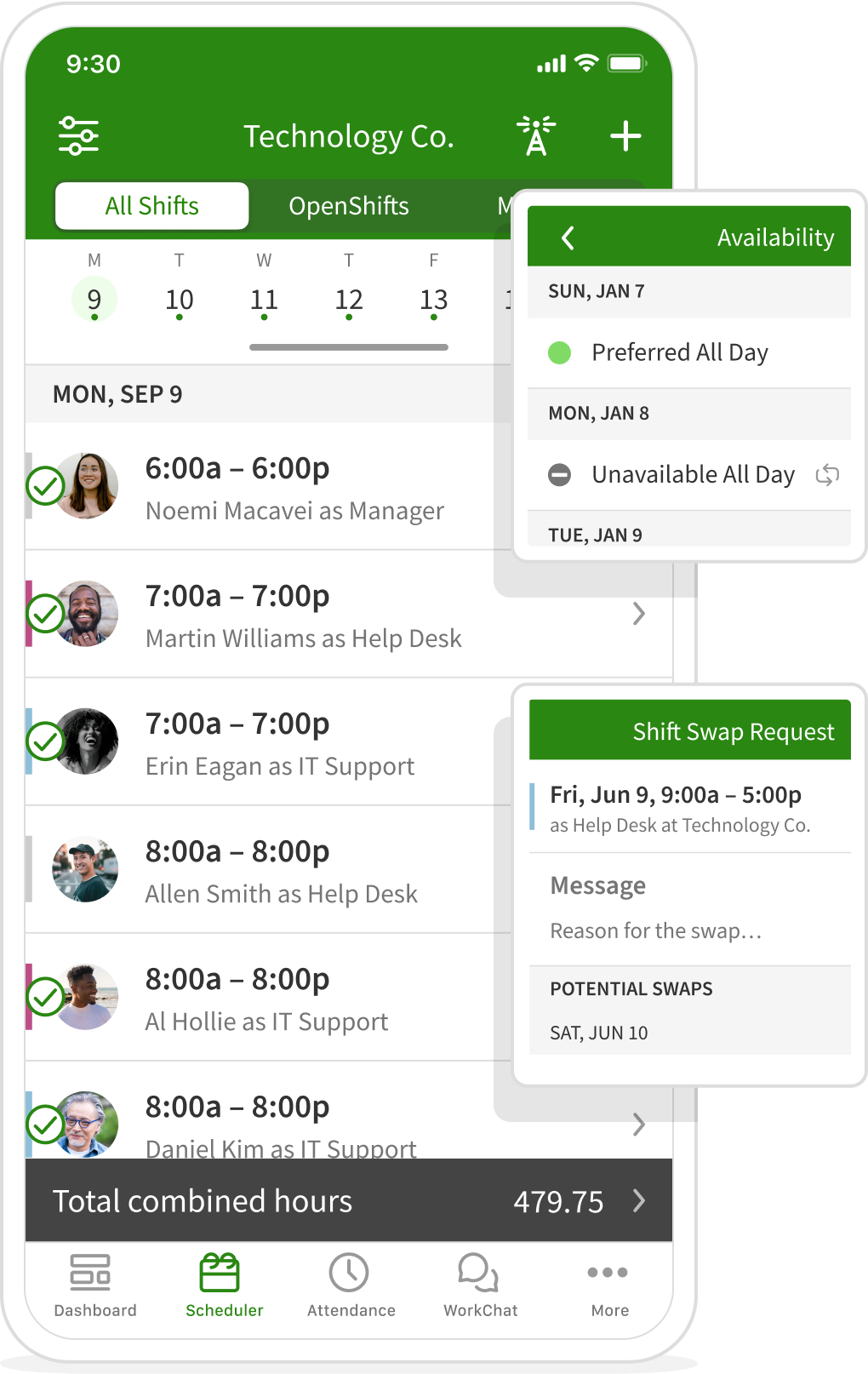
The When I Work app provides employee scheduling software for IT teams operating beyond traditional business hours. Build structured shift schedules for help desks, NOC environments, and distributed technical teams in minutes, then notify staff instantly when coverage changes. Our support team scheduling software helps IT operations managers maintain consistent coverage, rebalance workloads, and adjust for callouts without relying on manual tracking or disconnected tools.
TIME TRACKING FOR IT OPERATIONS
Accurate clock-ins for support and NOC teams
Track attendance, breaks, and time off across 24/7 support environments with time tracking built for IT staff scheduling software workflows. Improve NOC management visibility, monitor overtime in real time, and maintain accurate payroll records. Whether overseeing data center staff scheduling or technical support teams, reduce manual errors and stay aligned with labor policies.


Scott Parssinen
Braemar Golf Course
2016
Desktop & Mobile Team Messaging
Keep engineering, IT, and support teams aligned across shifts, locations, and on-call rotations
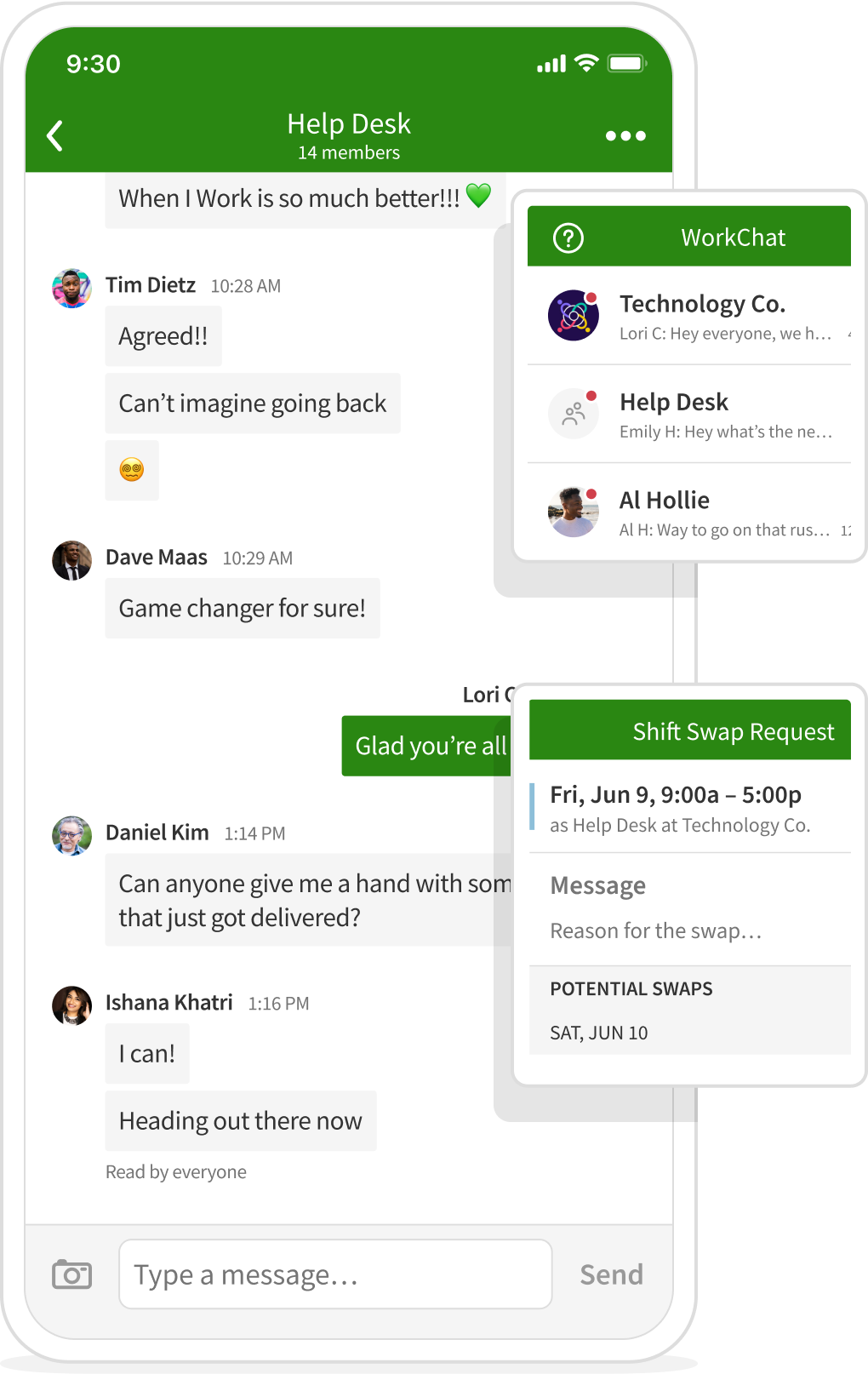
Tech teams move fast. Communication needs to be immediate and traceable. With built-in team messaging, managers can coordinate deployments, shift swaps, escalation coverage, and urgent updates inside the same platform used for scheduling.
Whether your team is remote, hybrid, or on-site, communication stays tied to the schedule and visible to the right people at the right time.
When scheduling and communication operate in one app, tech teams spend less time coordinating and more time delivering.
Teams using When I Work report:
20%
Decrease in labor costs
8x
Time saved scheduling
3x
Reduction in employee no-shows
TEAM COMMUNICATION FOR IT OPERATIONS
Keep support and NOC teams aligned across every shift
Centralize communication for scheduling technical support teams and managing support team shifts in one secure platform. Send one-to-one messaging, group updates, or company-wide announcements tied directly to shift schedules. Whether coordinating incident response, updating on-call coverage, or notifying teams of last-minute changes, keep 24/7 operations informed without relying on personal phone numbers.
SCALABLE WORK SCHEDULE MAKER
Built for growing tech teams, multi-site operations, and distributed support environments
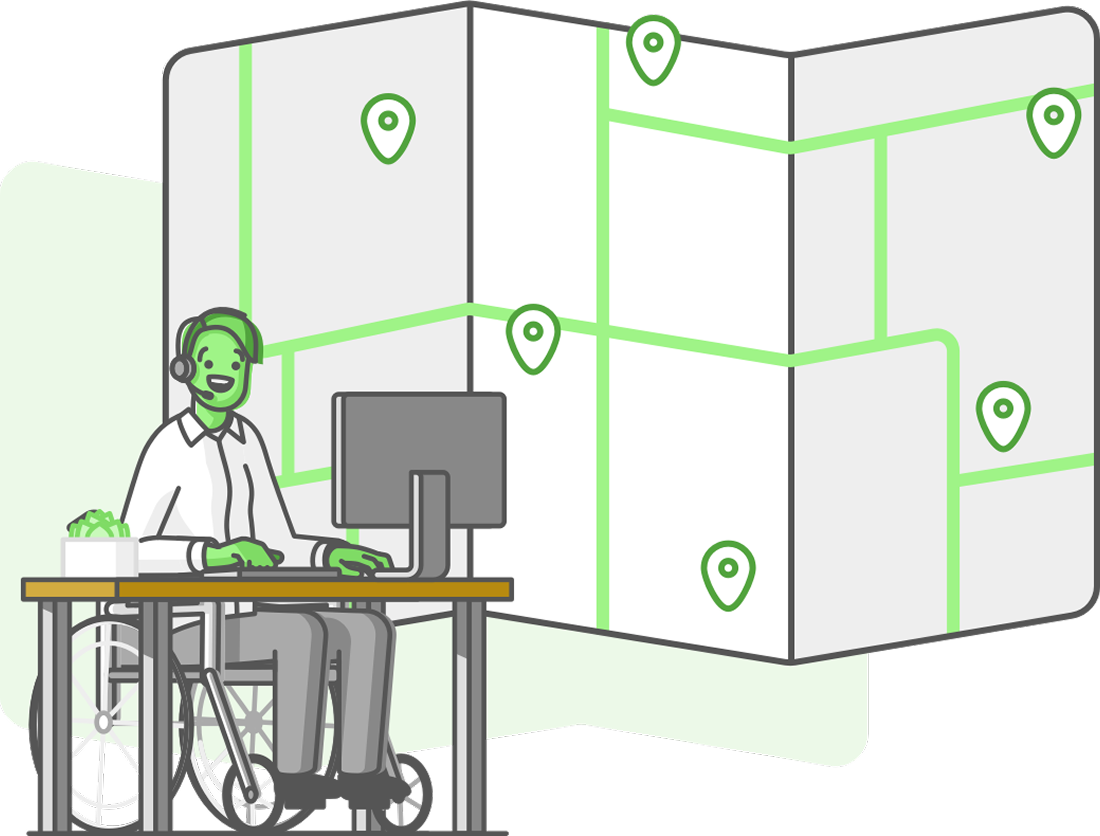
Whether you’re managing a single engineering team or coordinating coverage across multiple offices, data centers, or client locations, your scheduling system needs to scale without adding complexity.
When I Work lets you start with one team or location and expand across departments, regions, or client accounts as you grow. Permissions, roles, and team structures stay organized as headcount increases, so managers maintain control without rebuilding processes.
From small IT teams to multi-location MSPs, scheduling stays structured, visible, and easy to manage as operations expand.
TIMESHEETS INTEGRATE DIRECTLY WITH PAYROLL
Accurate time data flows straight into payroll without extra admin
For IT teams, MSPs, and distributed operations, payroll errors create unnecessary issues. When I Work keeps scheduling and time tracking in one system, so approved hours move cleanly into payroll without manual re-entry, disconnected spreadsheets, or last-minute corrections.
When I Work integrates directly with preferred payroll partner Rippling, while continuing to support connections with your favorite payroll providers. You can consolidate workforce management inside Rippling or connect to your existing payroll infrastructure without changing how your team works.
When I Work integrates with leading payroll providers, including:






Loved by millions around the globe
1 in 10 employees have used When I Work.
 by our customers on Capterra.


TIME TRACKING AND SCHEDULING IN ONE PLACE
Operational visibility across teams, locations, and roles
Enterprise IT environments demand clear oversight of labor allocation, on-call coverage, and cost exposure. When scheduling and time tracking operate within the same system, leadership gains consistent, real-time insight into hours worked, budget utilization, and workforce performance.
Labor allocation and cost governance
Track hours by function, project, or client environment. Separate support desk coverage from infrastructure engineering hours, or isolate time spent on specific enterprise accounts. This makes it easier to understand where the labor budget is being applied and where adjustments are needed.

Payroll accuracy at scale
When a regional IT team logs an after-hours incident response or emergency patching, those hours are captured and approved within the same system. Timesheets export directly to payroll, reducing reconciliation efforts across distributed teams and minimizing pay discrepancies.

Overtime risk management
If a network engineer is approaching overtime due to extended outage coverage, managers receive overtime alerts while building the schedule. That allows workload to be redistributed before costs escalate or burnout becomes an issue.

Compliance and break controls
Standardize break policies across data center staff, field technicians, or support teams. Maintain accurate records of paid and unpaid breaks to support internal governance requirements and labor compliance across multiple states or regions.