EMPLOYEE SCHEDULING SOFTWARE
Staff scheduling made simple for shift-based teams
Messy spreadsheets. Missed shifts. Endless calls and texts to fill gaps.
If that sounds familiar, you’re not alone.
When I Work is an employee scheduling app that helps shift-based teams build schedules faster, adjust coverage instantly, and keep everyone aligned. Create and share schedules in minutes, adjust them in seconds, and keep every shift covered without the chaos. Managers save hours each week, and employees always know exactly when they work.
Save up to 15 hours a week scheduling employees.
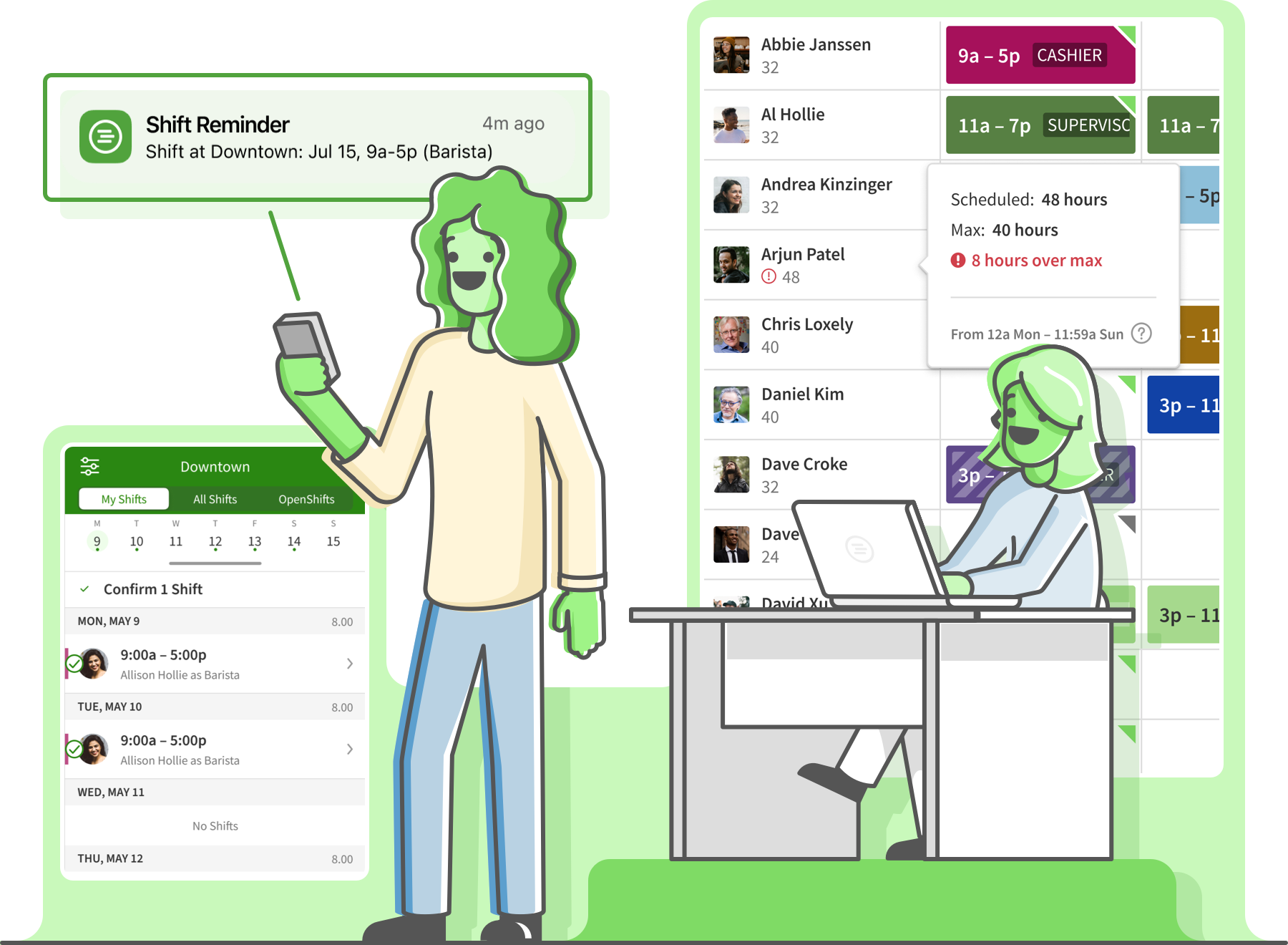
The smarter way to manage your workforce
When staffing and scheduling get tangled, productivity drops. Time-off requests pile up, team messages get missed, and coverage falls through the cracks.


The When I Work employee scheduling app brings everything together. Plan confidently and respond quickly with scheduling, shift swaps, messaging, and time tracking all in one place. Keep your team aligned, your labor costs in check, and your workdays running on schedule.

Save up to 15 hours per week building the schedule.

Empower your employees to be more accountable.

Make your workplace more profitable and efficient.
SMART SCHEDULING TOOLS
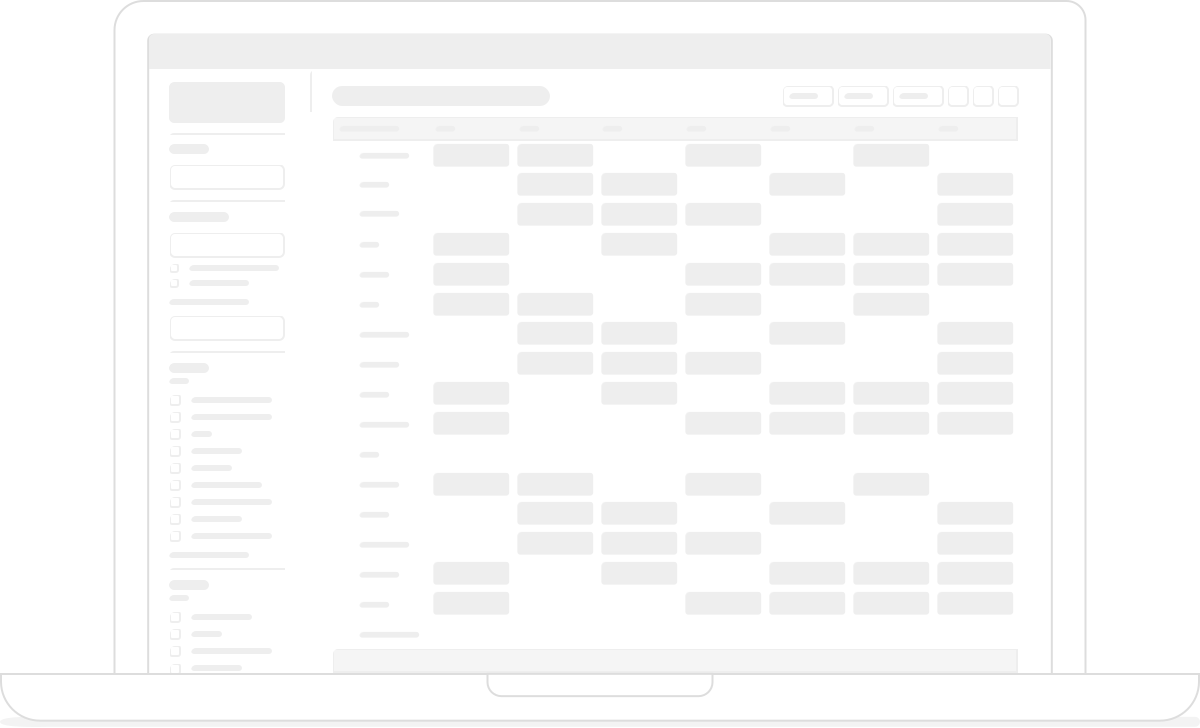
Create schedules that practically build themselves
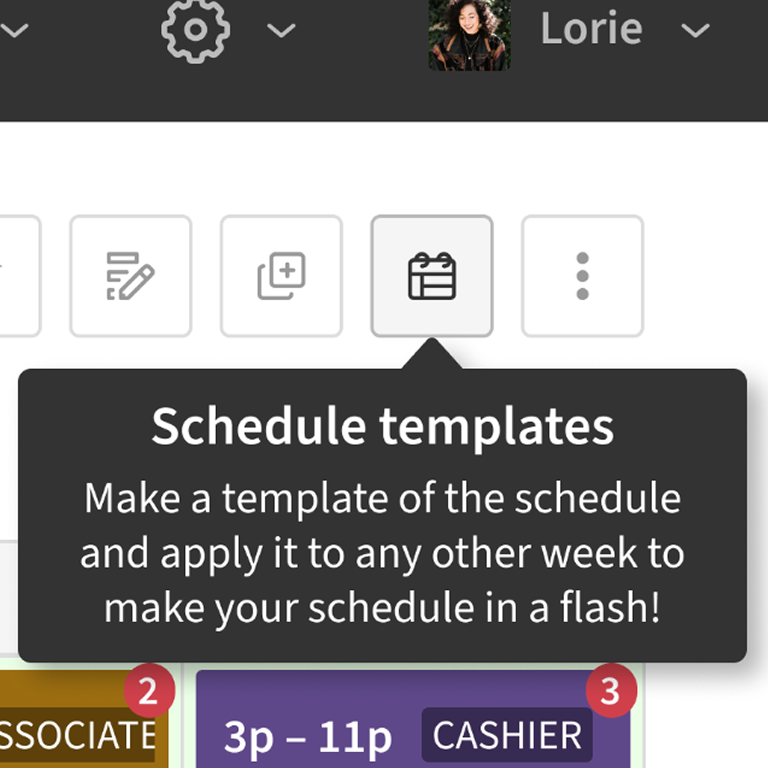
Every manager knows how much time gets lost planning shifts. Instead of juggling spreadsheets and sticky notes, you have one place to manage availability, time-off requests, qualifications, and shift preferences so you can focus on running your business.

Loved by millions around the globe
1 in 10 employees have used When I Work.
 by our customers on Capterra.


Make schedule updates easier for everyone
Plans change, so your schedule should, too. With When I Work, updating shifts is simple, fast, and completely transparent.
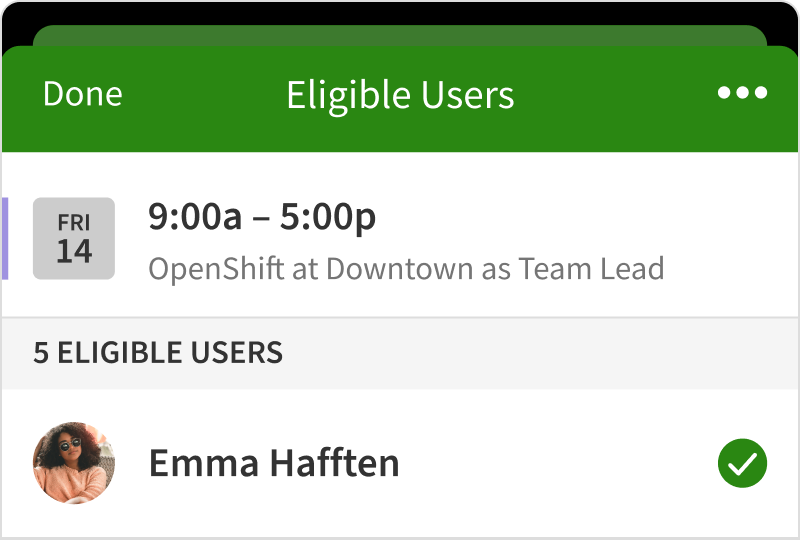
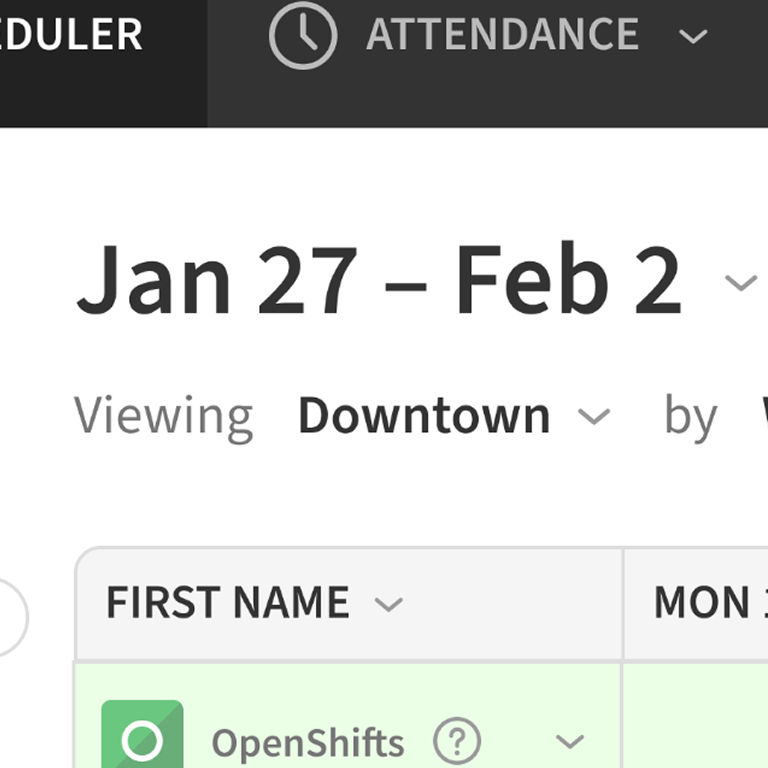
Shift trades and OpenShifts
Let employees swap or pick up shifts instantly while you keep control of final approvals. Coverage gaps are filled before they ever become a problem.
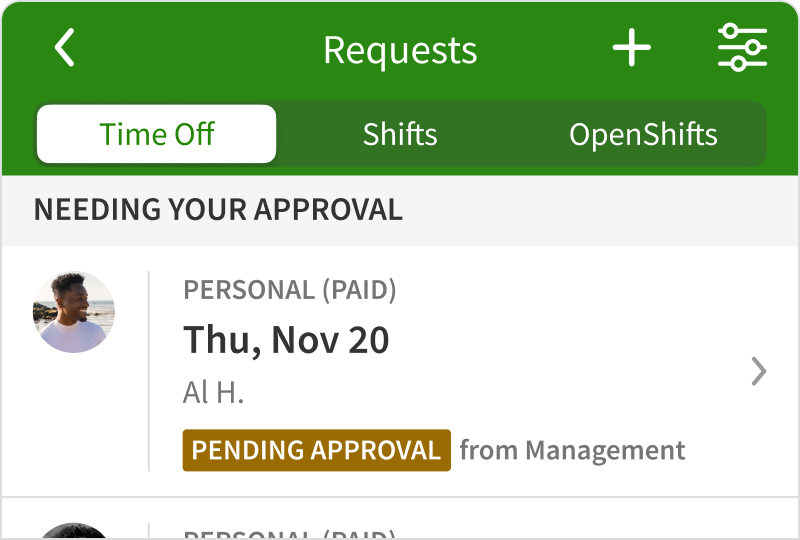
Time-off requests
Approve or decline requests in seconds, from anywhere. Updates go out automatically, so everyone stays in the loop.
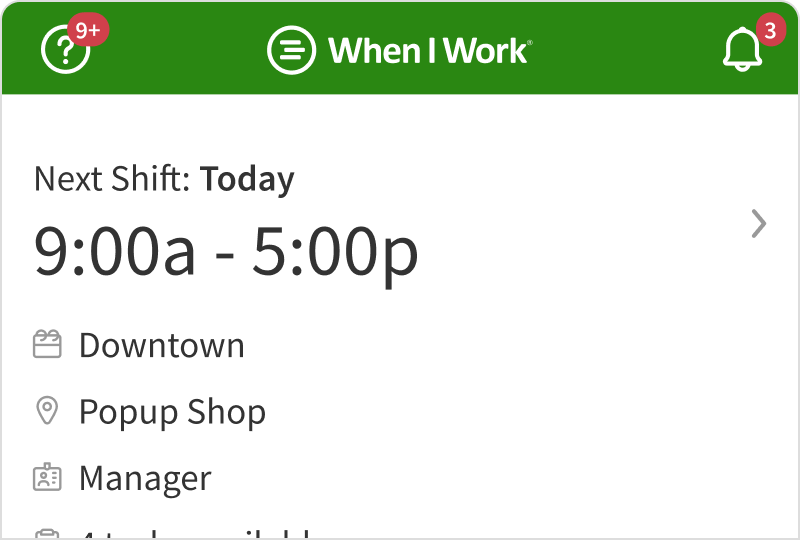
Mobile access
With the When I Work employee scheduling app, schedules, messages, and updates are always at your fingertips. Perfect for staff who work across multiple sites or are constantly on the move.
It’s scheduling that works at the same pace as your business.

Murphy Johnson
BlackStack Brewing
Customer since 2017
Control labor costs
Get real-time visibility into your labor costs.
Ensure cost-effective shift coverage that matches qualifications and availability with business needs. Prevent overtime before it happens with alerts, thresholds, and limits. Customers have reported seeing savings as large as:
20%
Decrease in labor costs
8x
Time saved scheduling
3x
Reduction in employee no-shows
Stay in control of your budget and your coverage
Every shift affects your bottom line. You can spot labor costs and workload balance ahead of time with When I Work, before the schedule is shared.
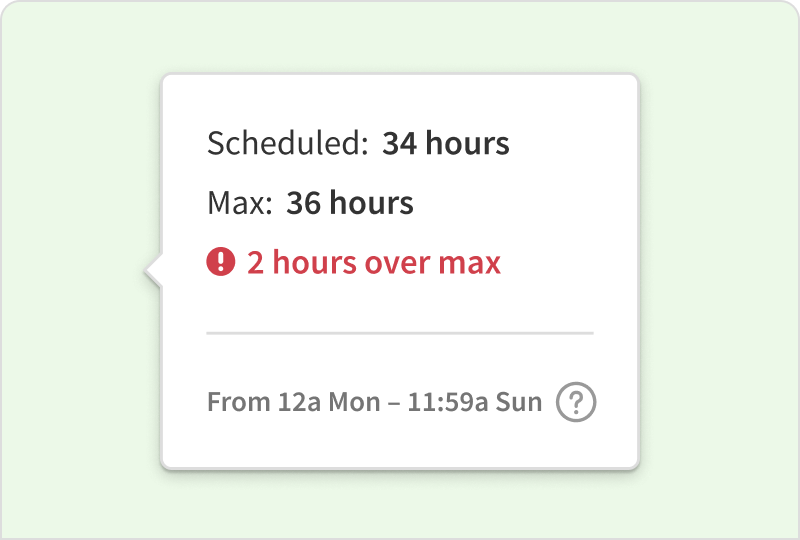
Overtime alerts
You see overtime coming before it happens. You’re warned while building the schedule and notified during the week if someone is about to go over their hours, so you can adjust right away.
Explore Overtime Tracking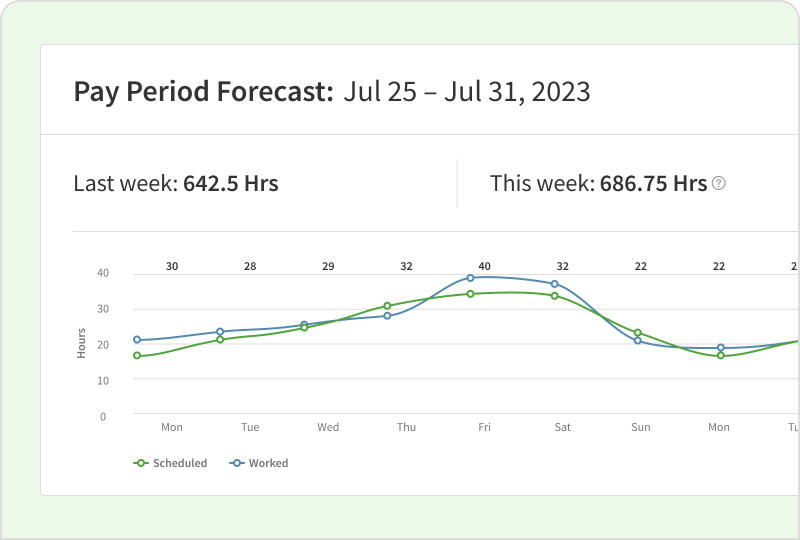
Labor forecasting
Plan smarter with real-time data showing scheduled versus budgeted hours.
Explore Labor Forecasting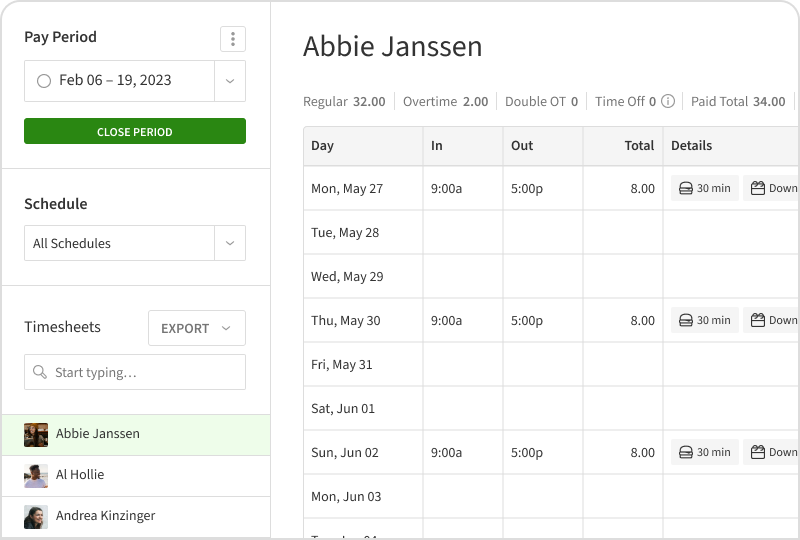
Attendance built in
Time tracking and scheduling work together automatically, so your hours, payroll data, and staffing stay accurate. No extra setup. No manual fixes.
Explore Employee Time ClockControl your labor budget, maintain coverage, and keep every hour accounted for.

A restaurant manager posts next week’s front- and back-of-house shifts before doors open
For Restaurants

A scheduler in healthcare matches qualified staff to critical roles across departments
For Healthcare Facilities







Trusted by more than 200,000 workplaces worldwide
Join millions of employees, managers, and business owners using When I Work to simplify scheduling, track attendance, and improve team communication.
“It’s drastically reduced the time it takes to make a schedule or track attendance. I save 14 hours a week now!”

“In my 34 years in the service industry, this is the most convenient way for a team to coordinate.”
“We wouldn’t be able to run all 3 gyms as smoothly without When I Work. It allows employees to drop and pick up shifts…it also allows employees to do their time-off requests. It keeps everything in one place so nothing is lost.”

“It’s simple and straightforward. It is quick and easy for the head trainers to schedule staff.”

“We have been using When I Work for 2 years now and it has been a godsend. I highly recommend using When I Work, it’ll streamline your weekly scheduling duties.”

“It’s super nice to just be able to add a shift, put the time in, put the name in, and you’re good to go.”

When scheduling runs smoothly, your whole business benefits. Happier staff, better coverage, and more time to focus on what really matters.
Make scheduling the easiest part of your job
When scheduling is simple, everything runs better. Communication improves, coverage stabilizes, and morale goes up.
Try When I Work and see how easy it is to build schedules your whole team can rely on.
Communicate, schedule, and track time—all in one place.
A Complete Employee Management Solution
TEAM MESSAGING
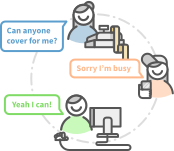
Communicate Better
Connect with everyone across any shift or any department.
Explore MessagingEMPLOYEE SCHEDULING SOFTWARE
Scheduling Shifts
Create your work schedule in minutes and share it with your team.
EMPLOYEE TIME TRACKING
Track Attendance
Integrate your schedule with the time clock and reduce labor costs.
Explore Attendance